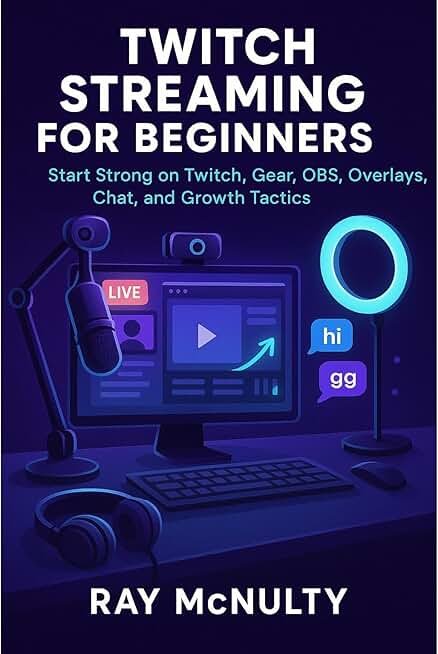

Twitch Streaming for Beginners: Start Strong on Twitch, Gear, OBS, Overlays, Chat, and Growth Tactics
farooque10
Description
Go live with confidence, set up gear that works on a budget, configure OBS without confusion, design clean overlays, engage chat with ease, and grow a healthy Twitch channel that you can sustain week after week.Twitch Streaming for Beginnersshows new creators exactly how to move from zero to a reliable first stream, then into a steady cadence that builds community with respect and clarity. Written by Ray McNulty, it combines practical setup with show craft and growth tactics, which means you learn the essentials of gear, OBS Studio, overlays, chat, analytics, discovery, music rights, and monetization in language that stays friendly to first timers while remaining serious about safety and ethics.You will learn how toSet up your Twitch account and creator dashboard carefully, enable two-factor authentication, choose a readable profile and panels, publish an honest schedule, pick useful categories and tags, and keep extensions simple so nothing breaks during your first week.Choose gear that performs without overspending, place a microphone correctly, use basic filters, prefer headphones over speakers, pair a webcam with sensible lighting, keep backgrounds tidy and readable, and adopt ergonomic habits that protect your posture and voice.Configure OBS Studio once and reuse it confidently, create scenes and sources, capture games or windows, split audio into separate tracks for voice, system, and music, apply noise suppression, noise gate, compressor, and limiter, then run a short pre-stream test that prevents surprises.Set resolution, frame rate, encoder, and bit rate in a way that matches your upload bandwidth, favor a wired network where possible, understand low latency, and follow a compact stability checklist that keeps your stream smooth.Design overlays viewers can actually read, pick high contrast type and safe margins, size fonts for phones, add modest alerts and transitions that support the show rather than distract from it, and check accessibility so color and motion stay comfortable.Use bots and moderators t
Uploader
farooque10
Related Works

Episodes (3)
Introduction
Conclusion
End Credits